
To get started, you’ll first need to install the Audiogram slack app.
After installing the app, you’ll be able to create an audiogram from Slack audio clips, a new feature from Slack that allows for recording audio (and video) directly in any channel.
To record an audio clip, click on the microphone icon in the message composer and your recording will begin:

From there, you can create your audiogram by clicking on the “More actions” button when hovering over the message with your audio recording:

And then selecting the “Create Audiogram” menu item:

A popup window will appear and ask you for some basic information to create your audiogram.
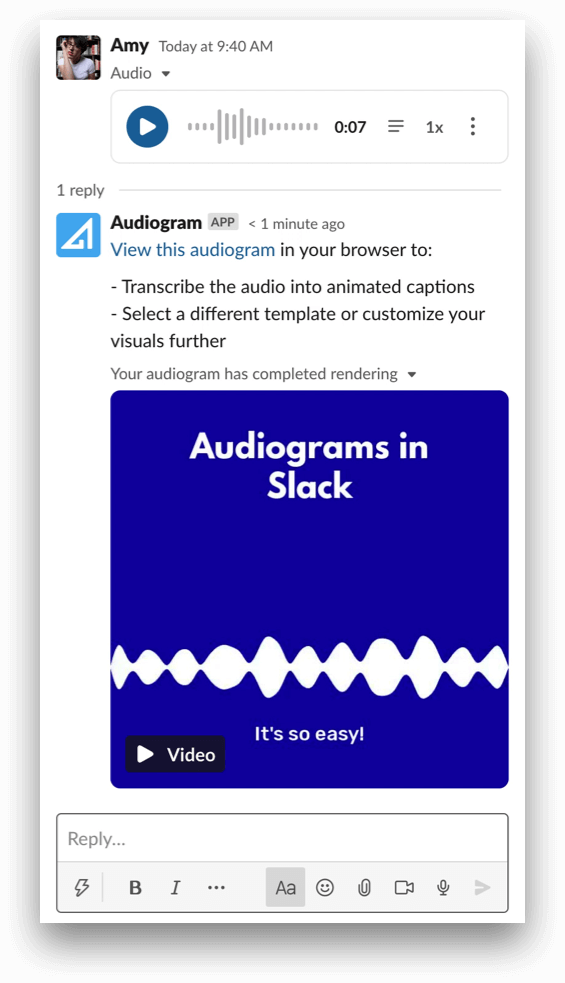
Once your audiogram has completed exporting, we will reply to the message containing the audio recording with your audiogram attached.
If you have any questions or feedback regarding our Slack application, please send us a message using the live chat widget inside the Audiogram web app.